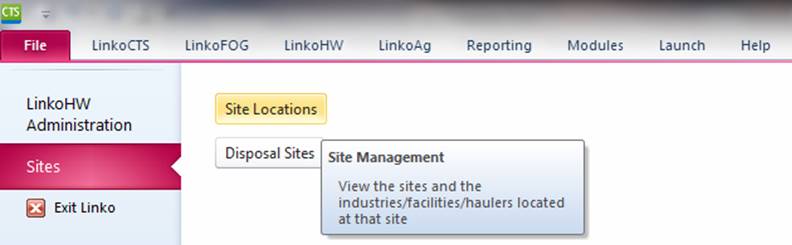
Create one site to be used with several Industries / Facilities / Permits. Access Sites from the File menu:
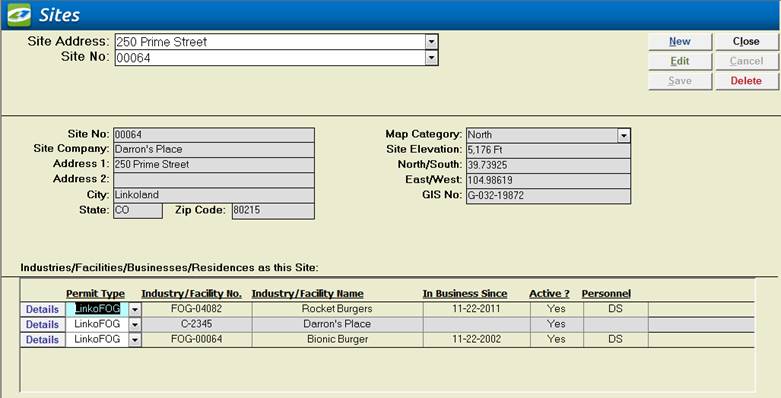
|
Item |
Description |
|
Site Address |
Combo box allowing user to select a Site for display. Sorted by street address |
|
Site No |
Combo box allowing user to select a Site for display. Sorted by Site No |
|
New |
Clears values and allows you to create a new Site. While editing, the New, Edit, Close, and Record Selector buttons will be disabled |
|
Edit |
Allows you to edit the displayed Site. While editing, the New, Edit, Close, and Record Selector buttons will be disabled |
|
Save |
Saves the changes made to the Site |
|
Close |
Closes the screen |
|
Cancel |
Cancels any changes made to the Site |
|
Delete |
Deletes the Site. BEWARE that all the details for any Facility associated with the site are also deleted; such as extractors, notes, inspections, violations, etc. You cannot undo a deletion! |
|
Site No |
User defined, unique identification for this Site information |
|
Site Company |
The Industry / Facility / Permit that is currently being displayed. |
|
Address 1 |
First address line of this Site |
|
Address 2 |
Second address line of this Site |
|
City |
City for this Site |
|
State |
State for this Site |
|
Zip Code |
Zip Code for this Site |
|
Map Category |
Map Category for this Site. Create Groups for each section of your town or city. |
|
Site Elevation |
Elevation of this Site |
|
North/South |
East/West (Y) grid coordinates |
|
East/West |
North/South (X) grid coordinates |
|
GIS No |
GIS number for use with GIS system |
|
Industries / Facilities
at This Site |
Lists the Industries and FOG Facilities that are located at this site. Details shows the Facility details. You can create One Site with Many Industries / Facilities. This allows you to use the Site Information with a Facility in LinkoFOG, an Industry in LinkoCTS and a Waste Hauler in LinkoHW. |
|
Permit Type |
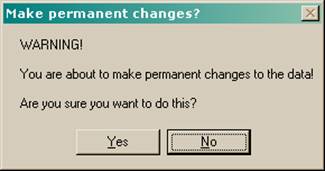
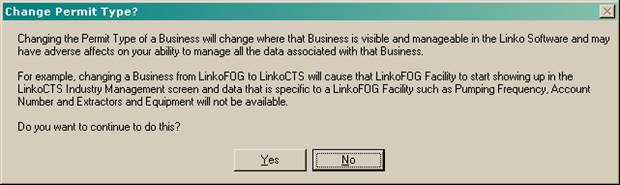
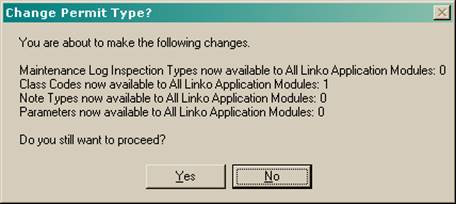
This pull-down Identifies which Linko Module the Industry / Facility / Hauler listed to the right is associated with. It also provides the ability to move a Permit / Industry / Facility / Hauler from one module to another. If you create an Industry in LinkoCTS and then later decide it should be in LinkoFOG, you can move it. This is a VERY dramatic change within the Linko Database. See the typical warnings you will get below. |
|
Industry / Facility
Number |
The current unique number assigned to this Industry / Facility. |
|
Industry / Facility Name |
Name of the business. |
|
In Business Since |
When did they start their business? |
|
Active |
Are they a currently active Permit? |
|
Personnel |
POTW personnel assigned to this Industry. |