The
Image Assistant lets you store, display, and print images (photos, scanned
documents, etc.) which can be associated with permits.
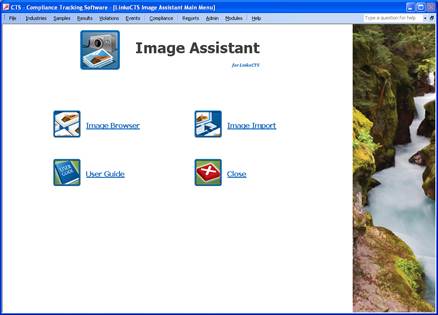
To start the Image assistant, open your Linko CTS software and click on the Modules Menu item. Next click on the Image Assistant. You will be brought to the screen displayed below.